A good signal is useless if it reaches you too late.
By the time you open your scanner and check manually, the move is often already gone. Early entries on Solana memecoins happen in seconds, not minutes. That's why the way you receive alerts matters just as much as the alerts themselves.
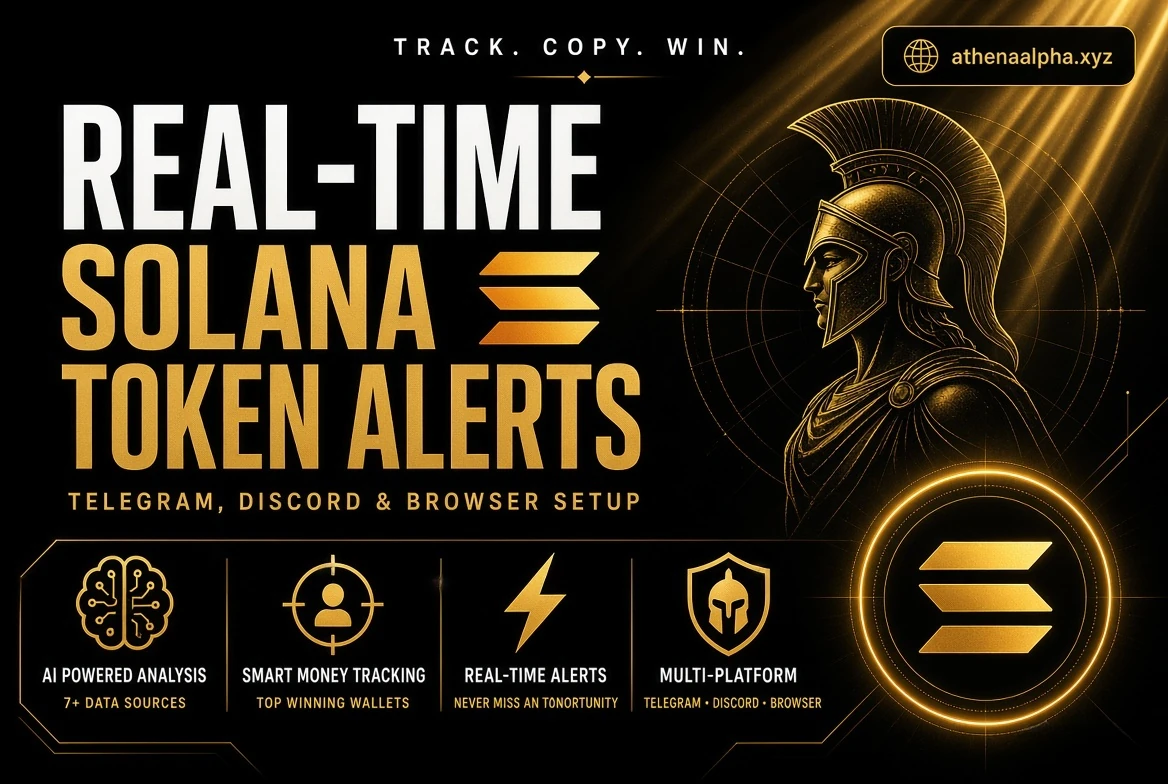
Here's how to set up real-time Solana token alerts across Telegram, Discord, and your browser, and why you probably want all three.
Why Multi-Channel Matters
Each channel has a job:
—Telegram is where you want alerts when you're on the move. Push notifications on your phone, one-tap links to your trading terminal, works anywhere.
—Discord is for a dedicated alerts channel you can monitor while you're at your desk. Rich embeds show the full score breakdown at a glance.
—Browser toasts are for active trading sessions. Popups with sound that grab your attention the moment a signal fires, without you having to check anything.
Run all three and you get overlapping delivery. If you miss the Discord notification, the Telegram push catches you. If you're staring at your terminal, the toast catches you first.
Setting Up Telegram Alerts
Telegram alerts are the most portable option, since they follow you to your phone, laptop, and tablet.
1.Open a chat with the Athena bot in Telegram.
2.Start the bot and link it to your account using the provided token.
3.Choose the signal settings you want: your minimum score threshold, and which token categories to receive.
4.Mute everything except the alert chat so pushes actually get through.
Once connected, every qualifying signal arrives as a clean formatted message with the contract address, score, market cap, and one-tap links to GMGN, Trojan, Axiom, and Padre.
Make sure Telegram notifications are enabled for the bot chat on your phone, since alerts only help if your phone buzzes.
Setting Up Discord Alerts
Discord is the best option for a dedicated, always-visible alert feed.
1.In your Discord server, create a new channel called something like #athena-signals.
2.Go to the channel settings, then Integrations, then Webhooks, and create a webhook.
3.Copy the webhook URL and paste it into the Athena dashboard's notification settings.
4.Pick the score threshold and notification sound you want.
5.Send a test alert to confirm the embed arrives.
Discord embeds show the full signal detail: score, market cap, contract address, and trade links, formatted so you can evaluate the play at a glance without opening anything else.
Setting Up Browser Toasts
Browser toasts are for when you're actively trading.
In the Athena dashboard, enable in-app popup notifications and configure:
—Position: choose where alerts appear: top-right, bottom-right, or center.
—Sound: pick one of the available notification sounds with adjustable volume.
—Duration: set how long each popup stays visible, from a quick 2-second glance to a detailed 10-second view.
—Minimum score: only show toasts for tokens that clear your quality bar.
Keep the dashboard tab open while trading and signals land directly on screen. No checking Discord, no refreshing Telegram.
Choosing Your Score Threshold
The single most important setting is your minimum score. This controls how much signal you receive.
—75 (default): a good balance of quality and volume. This is where most people should start.
—85: higher conviction, fewer alerts. Use this if you're getting overwhelmed.
—90+: only the absolute strongest setups. Expect very few alerts. This is for when you only want the cream.
—Lower than 75: more volume, more noise. Only drop it if you like seeing more candidates and doing your own filtering.
You can always adjust. Start at 75, observe for a few days, and tune based on how many alerts you actually want to act on.
Acting Fast: The Execution Checklist
Real-time alerts only help if you can execute quickly. Set up your workflow before the first alert:
1.**Know your terminal.** Pick one primary terminal and keep it logged in: GMGN, Trojan, Axiom, or Padre.
2.**Pre-check the token.** One Athena scan gives you the technical, narrative, and security picture in seconds.
3.**Size the position first.** Decide your scout position and max position before the alert arrives, not after.
4.**Set your exits.** Take profit targets and a stop before you buy, not while you're watching the candle.
5.**Move on misses.** If a signal is already up 2x by the time you see it, let it go. The next one is always coming.
Speed doesn't mean gambling. It means having your system ready so that when a high-conviction alert fires, you can evaluate and act in the same minute.
The Bottom Line
Real-time Solana token alerts only matter if they reach you the moment a signal fires, and if they're actually worth acting on.
Set up Telegram for mobility, Discord for a dedicated alert feed, and browser toasts for active trading sessions. Add a score threshold that filters out the noise, and an execution workflow that lets you act fast.
Athena supports all three channels out of the box, and every alert is AI-scored before it reaches you. Link your Telegram and Discord, turn on browser toasts, and the same high-conviction signals will find you wherever you are.